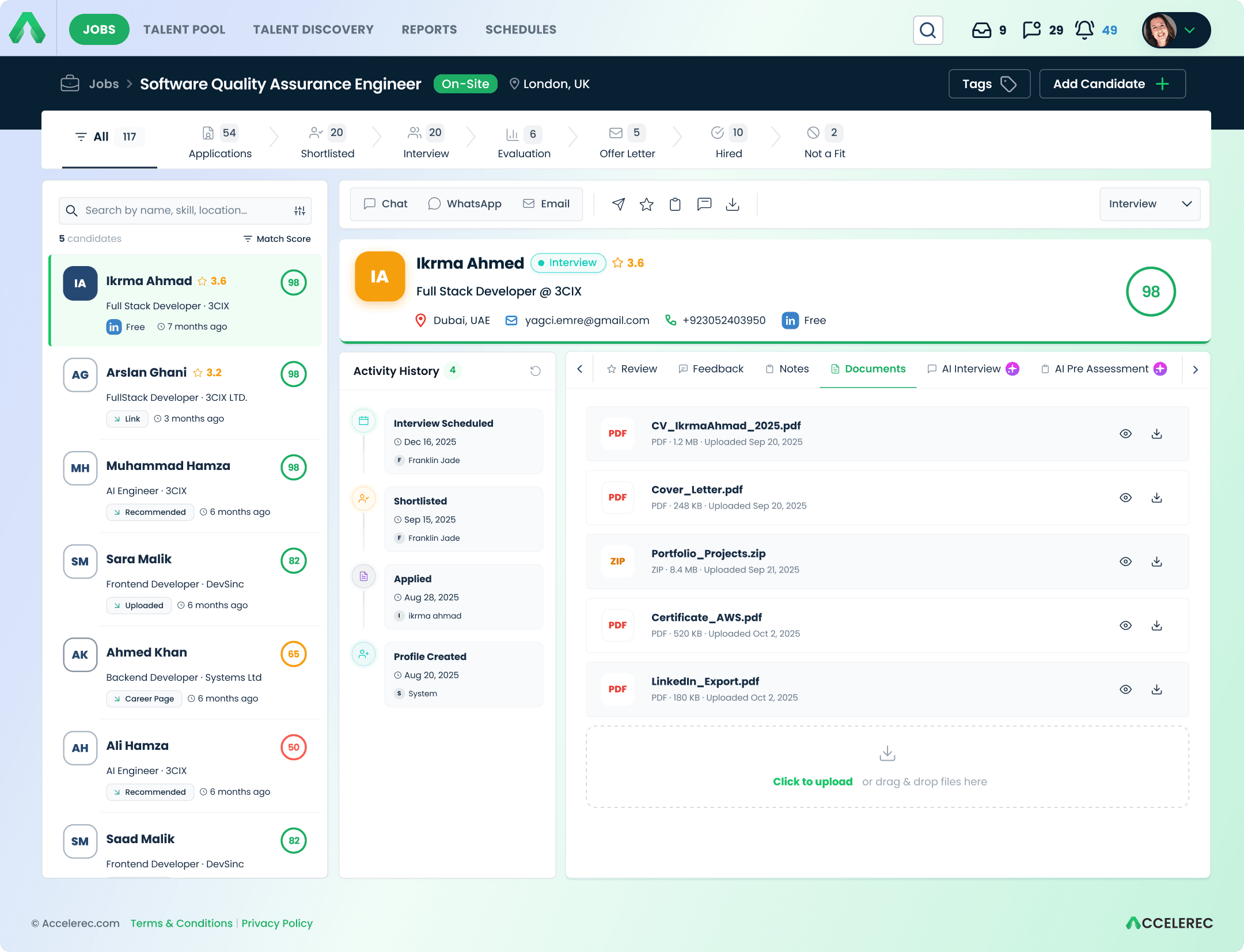
Steps:
- Open the candidate's profile.
- Go to the "Notes & Reviews" tab.
- Add notes about the candidate, and it will be tagged automatically against the candidate’s stage.
- Add reviews as well, based on the parameters mentioned in the review form, and comment on those parameters. E.g., add a review on the candidate’s intelligence, “highly intellectual and well-informed candidate”.
- Review all notes from past interviews in one place.