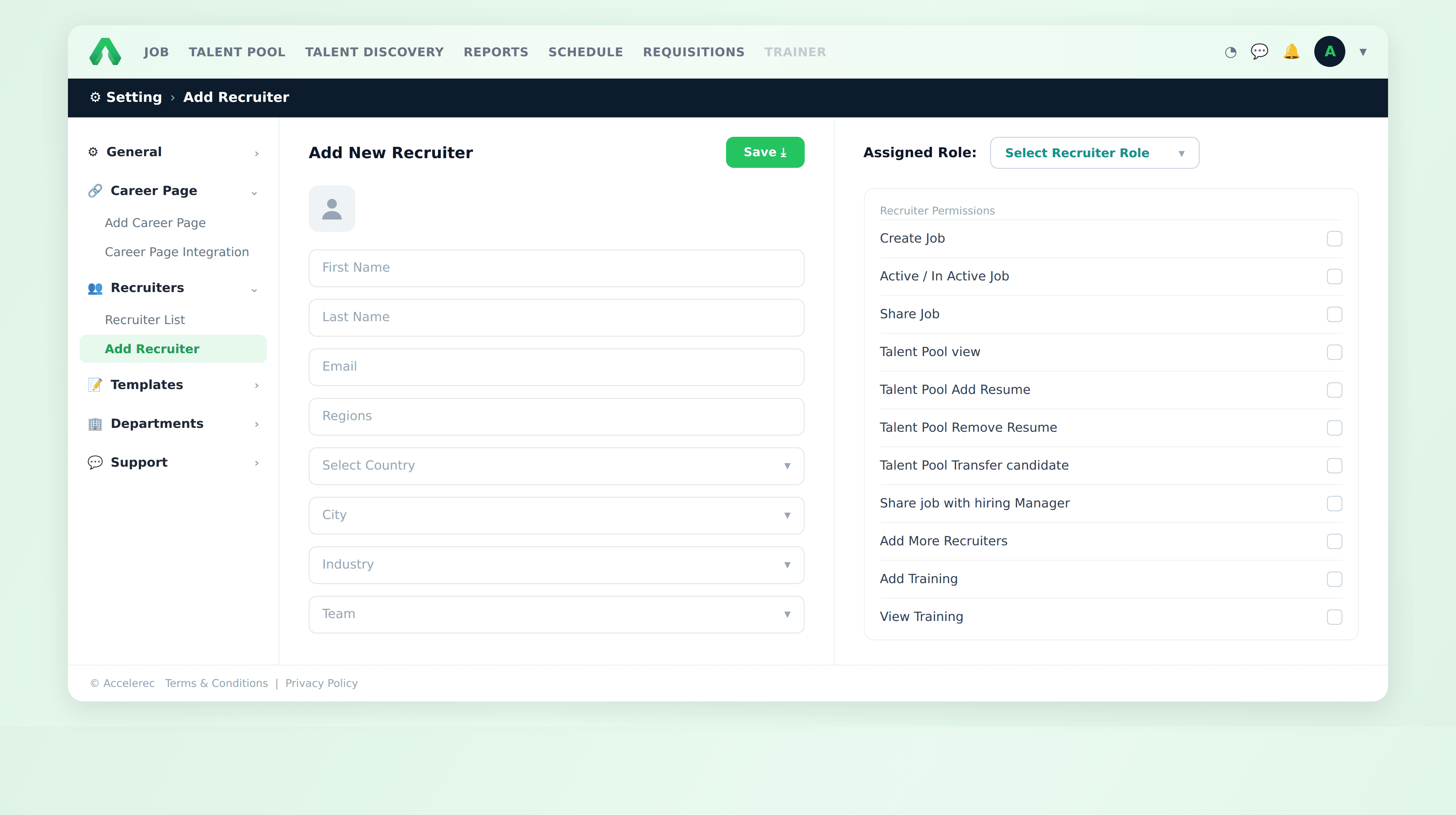
Manage your recruitment team in one place.
1
Recruiter List
- Go to the Recruiters section.
- Click "Recruiter List" to view all recruiters in your organization.
- Edit roles, permissions, or remove recruiters as needed.
2
Add Recruiter
- Click "Add Recruiter".
- Enter the recruiter's name, email, and role.
- Set their permissions (admin, recruiter, hiring manager, etc.).
- Click "Send Invite", and they'll receive an email to join your platform.