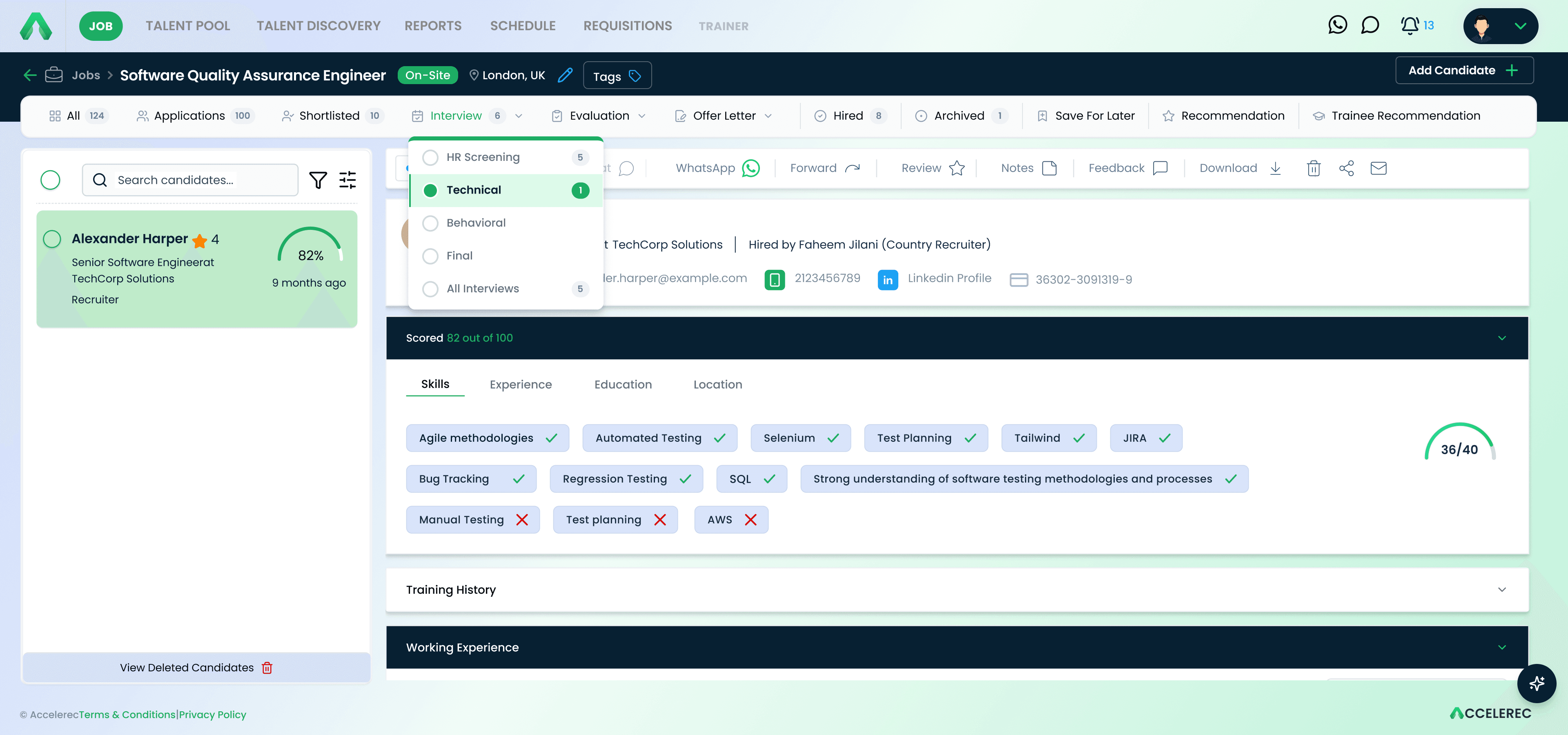
Quickly drill down into specific stages, such as Interview or Evaluation, to review progress and results.
Steps:
- From the pipeline, click the Interview stage to view all candidates currently in interviews.
- See a summary of:
- Total interviews conducted
- Interviews scheduled
- Pending interview results
- Filter results further by:
- Interview type (AI, in-person, online)
- Date range
- Recruiter or hiring manager
- Click on any candidate to view their detailed interview record.
- Switch to the Evaluation stage to review candidates being assessed post-interview. The Evaluation stage is divided into four sub-stages to track candidate progress in detail:
- Screening Stage: Initial review of qualifications and fit.
- Technical Stage: Assessment of technical skills and role-specific knowledge.
- Behavioral Stage: Evaluation of soft skills, attitude, and culture fit.
- Final Stage: Last round of evaluation before offer decision.
- Click any sub-stage to view candidates currently at that step, along with their scores, feedback, and team recommendations.
- Move candidates from one sub-stage to the next as they progress through the evaluation process.